Workflow Modeler (Recommended)
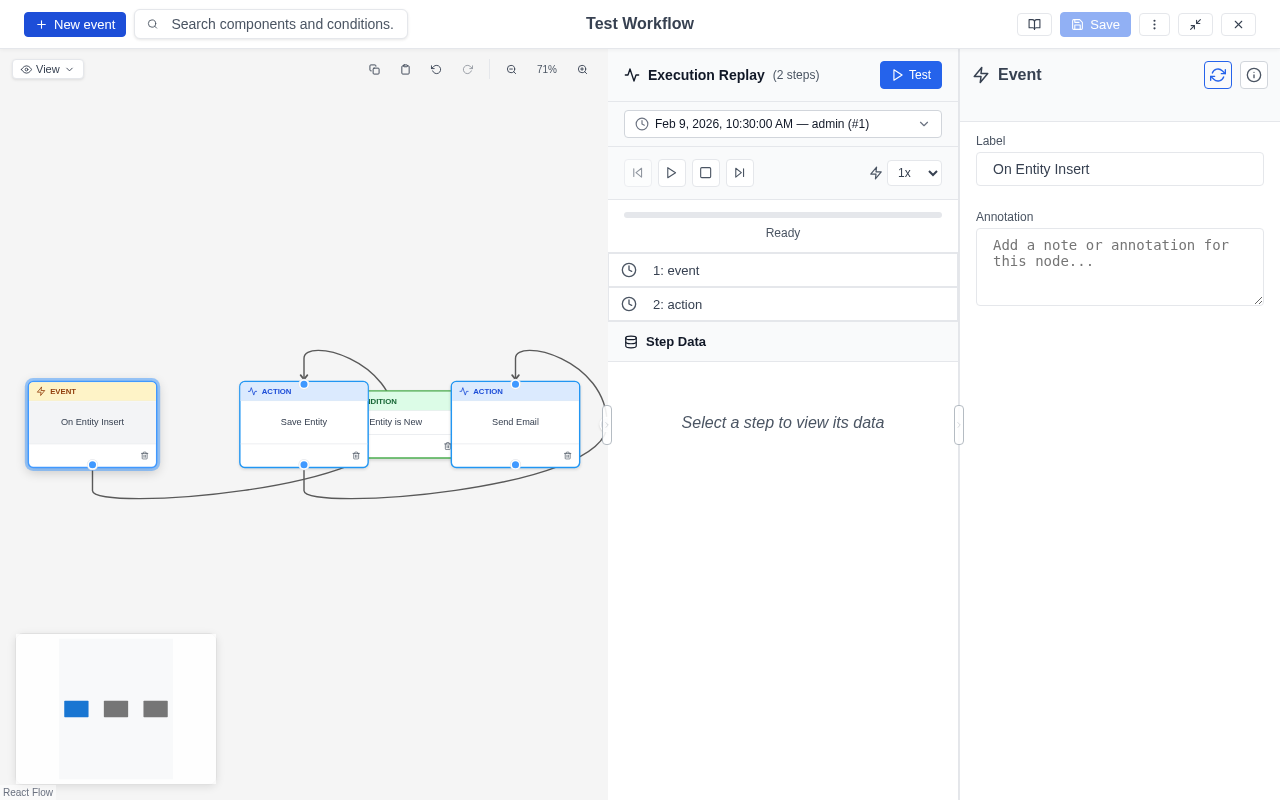
The Workflow Modeler provides a modern, React-based visual workflow editor for Drupal. Built on React Flow, it offers a professional drag-and-drop interface for creating and editing workflow models — complete with real-time configuration, execution replay, live testing, and full keyboard accessibility.
This modeler is the recommended editor for ECA and is the successor to the BPMN.iO modeler.
Key Features
- Visual Workflow Editing: Drag-and-drop nodes onto an infinite canvas, connect them with edges, and configure components through dynamic forms.
- Quick-Add: Context-aware popup for adding successors (actions, gateways, conditions) directly from nodes or edges.
- Execution Replay: Load past execution data, step through it visually, and inspect token values.
- Live Testing: Trigger workflow execution directly from the modeler.
- Export: Export models as Drupal Recipes, archives, JSON, or SVG.
- Accessibility: WCAG AA compliant with full keyboard navigation and screen reader support.
- Dark Mode: Built-in support for light and dark themes.
Installation
Install the module using Composer:
1 2 | |
If you are using ECA, ensure you have the eca_ui module enabled as well:
1 2 | |
Usage
Once installed, the Workflow Modeler activates automatically when editing models:
- Navigate to the ECA configuration page (Configuration > Workflow > ECA).
- Click Add to create a new model, or Edit on an existing model.
- The modeler interface will open, allowing you to design your workflow.
For detailed documentation, visit the official Workflow Modeler documentation.
Screenshots